GTAXTREME
Have you ever wondered how to fly a helicopter in GTA 5 on your PC? Join us in mastering this skill and be the best pilot in Los Santos.
Flying a helicopter in GTA 5 is simple when playing on a console. On the other hand, playing it on your PC using your keyboard is a little more complicated.
In this article, we will guide you on how to fly a helicopter in GTA 5 on your PC and master the basic controls.
How to Fly a Helicopter in GTA 5 (PC)
In GTA 5, you can steer the helicopter using A and D on your keyboard while using W to ascend and S to descend. Tilt the plane left or right with numpad 4 and 6, and tilt up or down with 8 and 5.
Flying a helicopter in GTA 5 is more manageable than flying a plane. Helicopters tend to have slower and smoother landing due to their design and mechanics.
Luckily, you will experience flying a helicopter in a mission called “Three’s Company“, where Trevor flies a helicopter while Michael rescues a man from a tall FIB building.
We also have included the controls in this table for your convenience:
1. Controls
| Controls | Description |
|---|---|
| Key F | Enter/Exit Helicopter |
| Key W | Ascend |
| Key S | Descent |
| Key A | Rotate to Left |
| Key D | Rotate to Right |
| Numpad 4 | TIlt Left |
| Numpad 5 | Tilt Up |
| Numpad 6 | Tilt Right |
| Numpad 8 | Tilt Down |
2. Take-Off
Here are the steps to take off your helicopter:
- Press “F” to mount the helicopter. It will automatically start the engine.
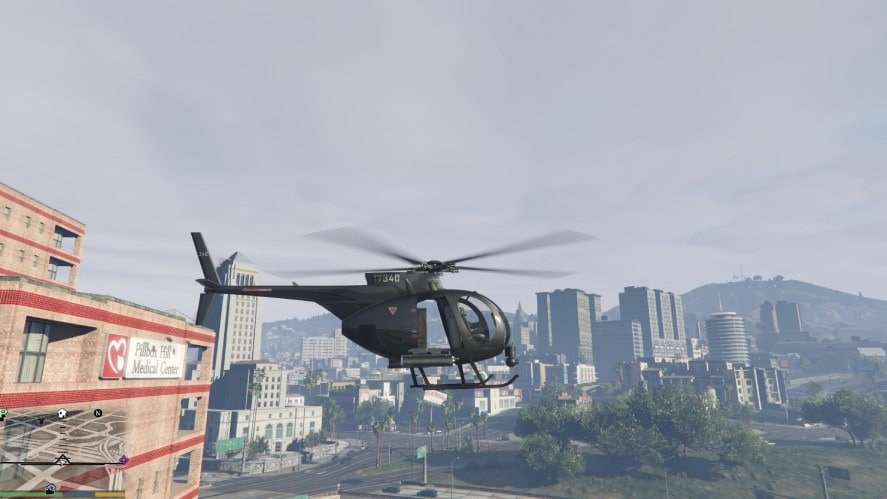
- Press “W” to ascend the aircraft and steer using “A” and “D”.
- When you’re high enough, press Numpad “8” to tilt down and move forward.
Press the “W” key and Numpad “8” together to tilt the helicopter forward without decreasing your altitude.
3. Landing
Here’s a step-by-step guide to landing your helicopter safely:
- Use the “A” and “D” to steer and align to where you want to land.
- While near your landing area, press “S” to descend.
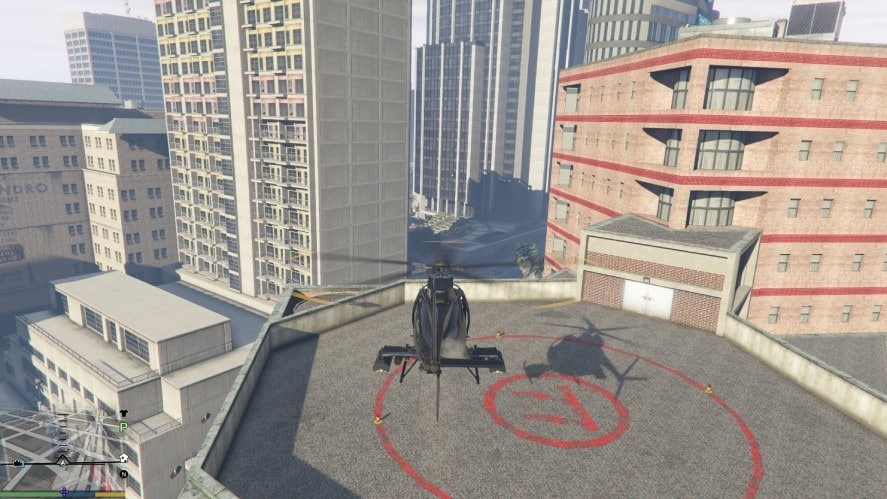
- Maintain your angle using the Numpad controls. This will help you descend and not sway away from the landing area.
- Press more on the “S” key to descend more when you notice you are getting closer.
- After landing, press “F” to unmount the helicopter.
Remember that the helicopter might sway due to the air blowing, so try doing it slowly to avoid crashing into near objects.
4. Bonus COntrols
Many special helicopters carry weapons and magnets or hooks. One example is the “Buzzard” and the “Cargobob“.
We also listed the special controls they have in case you encounter these types of helicopters:
| Aircraft | Controls |
|---|---|
| Buzzard | “Spacebar” key to fire weapons, “Tab” key to change weapons. |
| Cargobob | “E” key to use a magnet or grappling hook. |
Overall, flying helicoptersin GTA 5 is more manageable than flying a plane. It is more calm and easy to control, especially on landing.