GTAXTREME
Elevate your driving experience and master the hydraulics, the defining feature of lowrider culture in GTA.
In the Lowriders update for GTA Online, players can now equip their vehicles with hydraulics, introducing a new level of customization to the game.
These hydraulics enable players to bounce and hop their cars, adding a unique style and flair to their rides.
In this guide, we’ll cover the basics of controlling your hydraulics and some tips and tricks to get the most out of them.
How to Custom Hydraulic Suspension in GTA Online
To use hydraulics in GTA Online, you first need to acquire a low-rider vehicle. You can then customize the hydraulics at [Benny’s Original Motor Works](/en/gta-5-where-is-bennys).
Once you’ve chosen your car, you can start installing a suspension kit and play with the controls.
As mentioned earlier, the hydraulics suspension is exclusive to Benny’s Original Motor Works. You’ll need to bring a car that supports this customization to their shop.
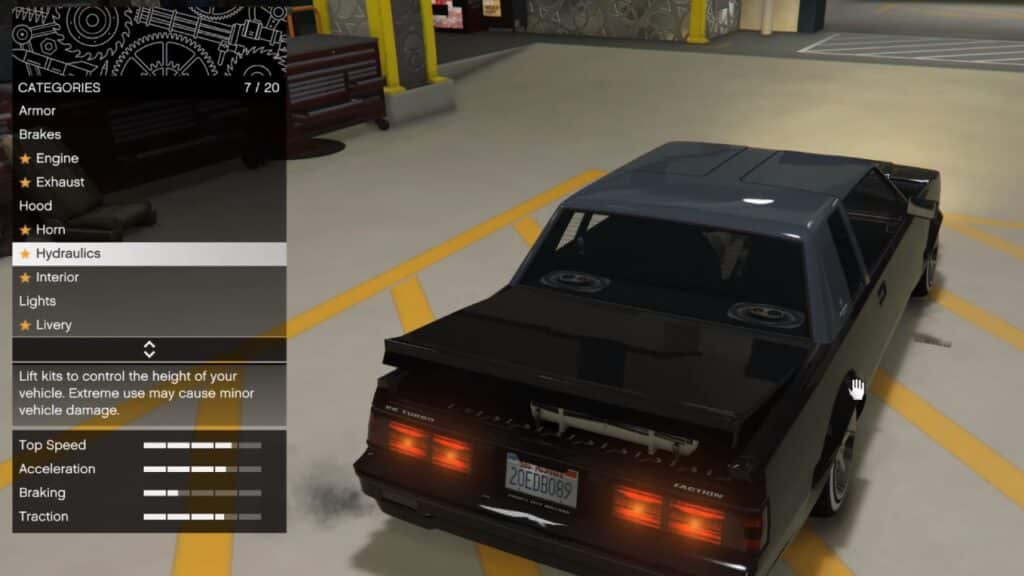
Once in the Customizing window, find and select “Hydraulics“, then choose an available and affordable option.
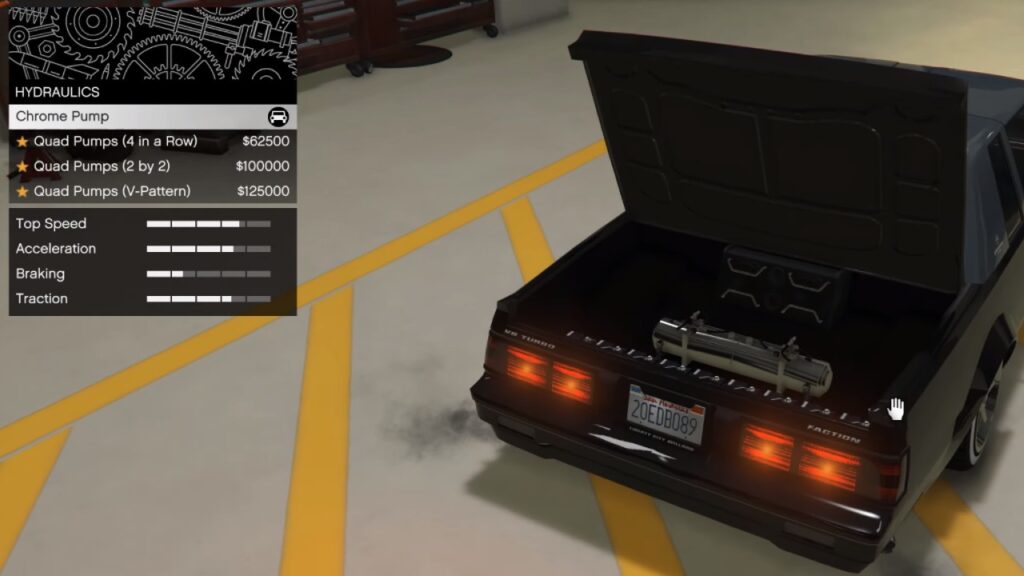
Remember, the more money spent, the higher the vehicle will jump.
All 18 Cars You Can Equip with Hydraulics
In GTA Online, there are 18 vehicles that are available to apply hydraulics and hydraulic modifications, including:
1. Albany Buccaneer Custom
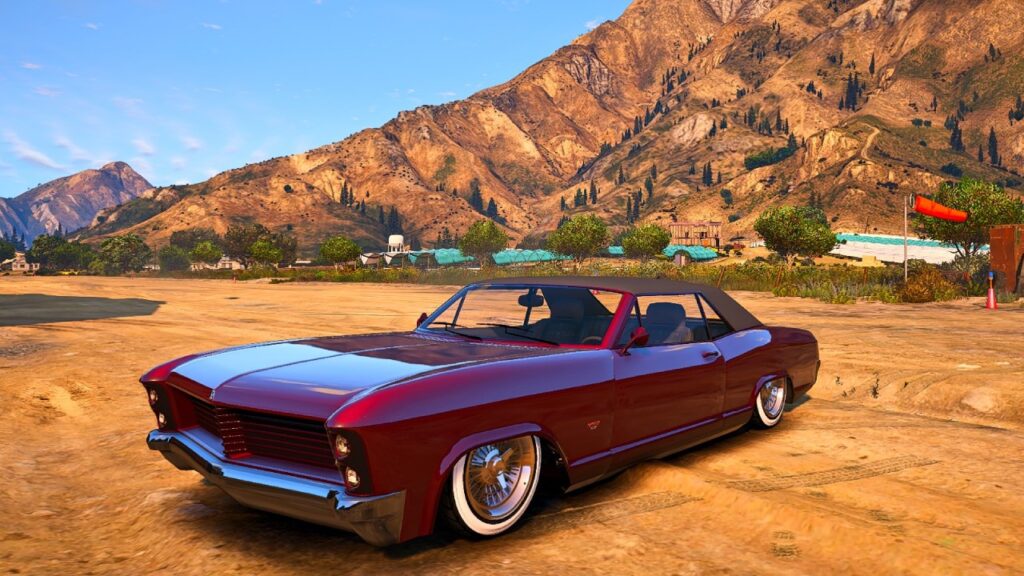
- Chrome Pump: $75,000
- Quad Pumps (4 in a Row): $125,000
- Quad Pumps (2 by 2): $200,000
- Quad Pumps (V-Pattern): $250,000
2. Vapid Chino Custom
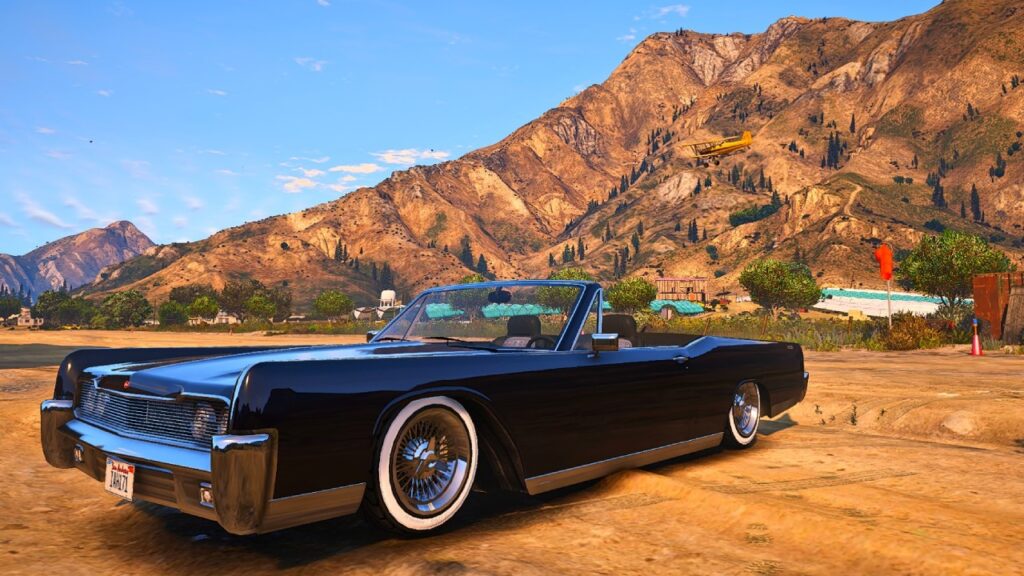
- Standard Pump: $75,000
- Chrome Pump: $125,000
- Quad Pumps (4 in a Row): $200,000
- Quad Pumps (2 by 2): $250,000
- Quad Pumps (V-Pattern): $275,000
3. Willard Faction Custom
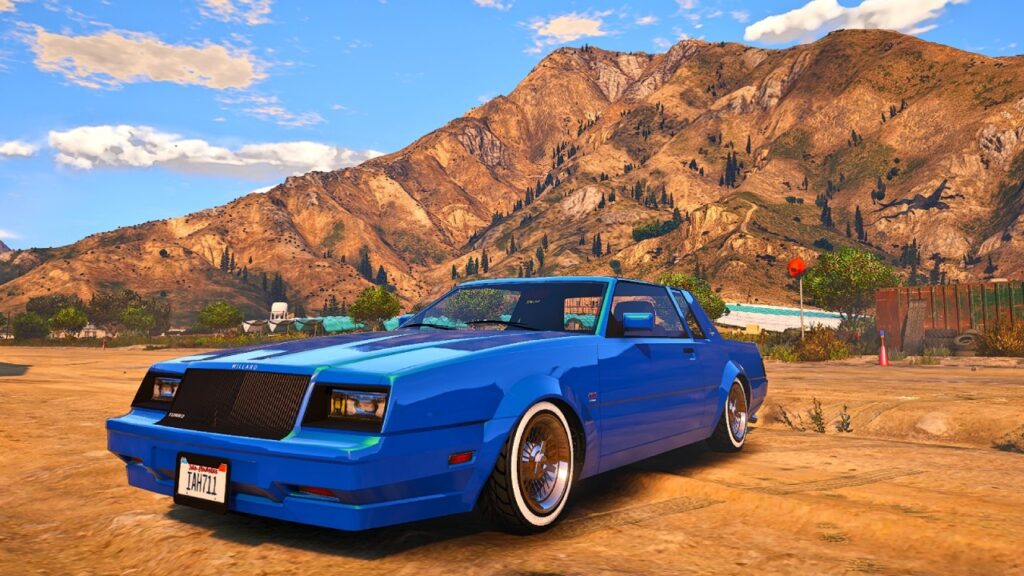
- Chrome Pump: $75,000
- Quad Pumps (4 in a Row): $125,000
- Quad Pumps (2 by 2): $200,000
- Quad Pumps (V-Pattern): $250,000
4. Willard Faction Custom Donk
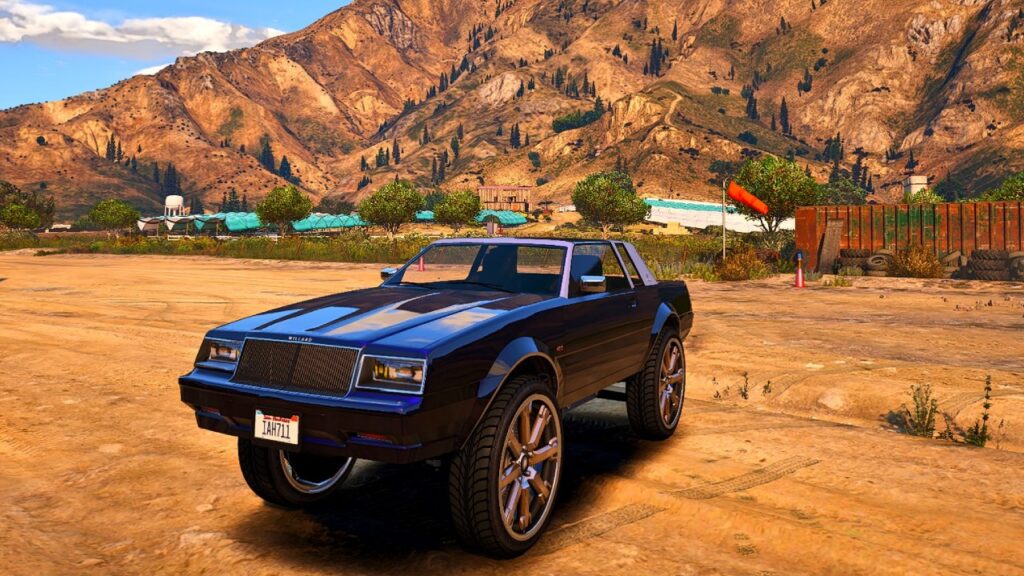
The vehicle has the hydraulics itself.
5. Benefactor Glendale Custom
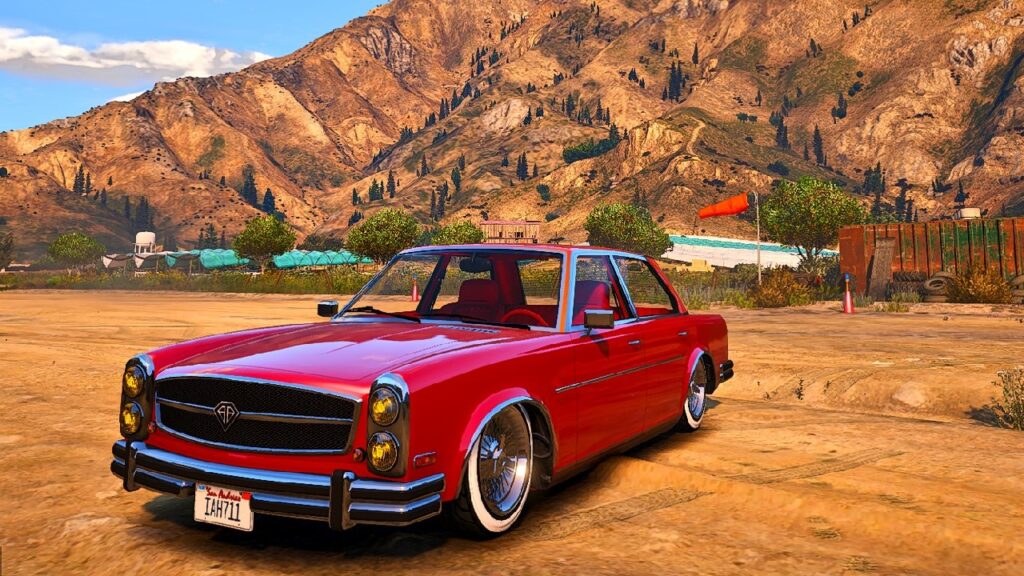
- Standard Pump: $75,000
- Chrome Pump: $125,000
- Twin Pumps: $200,000
- Quad Pumps (4 in a Row): $250,000
- Quad Pumps (V-Pattern): $275,000
6. Hermes
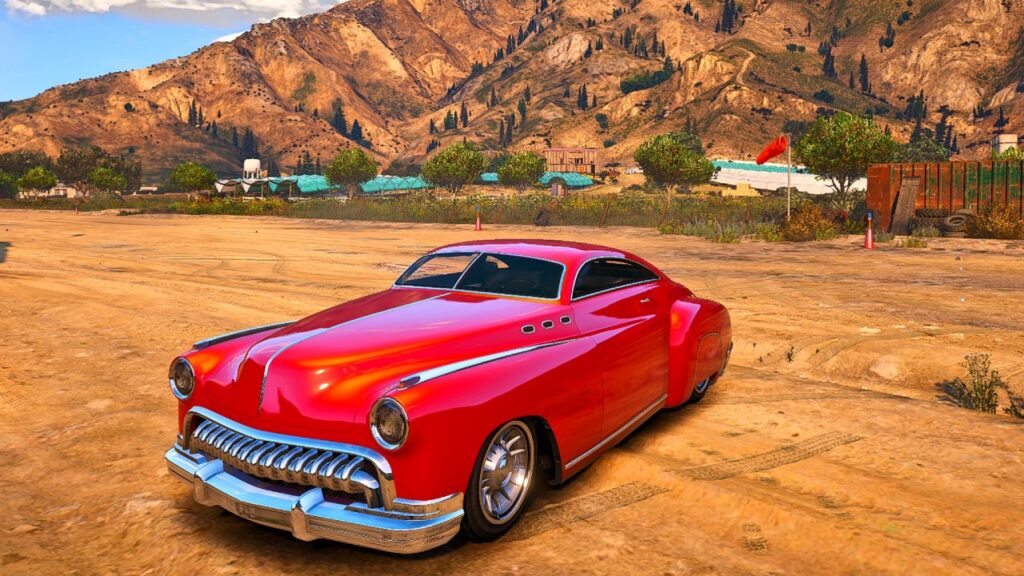
The vehicle has the hydraulics itself.
7. Albany Manana Custom
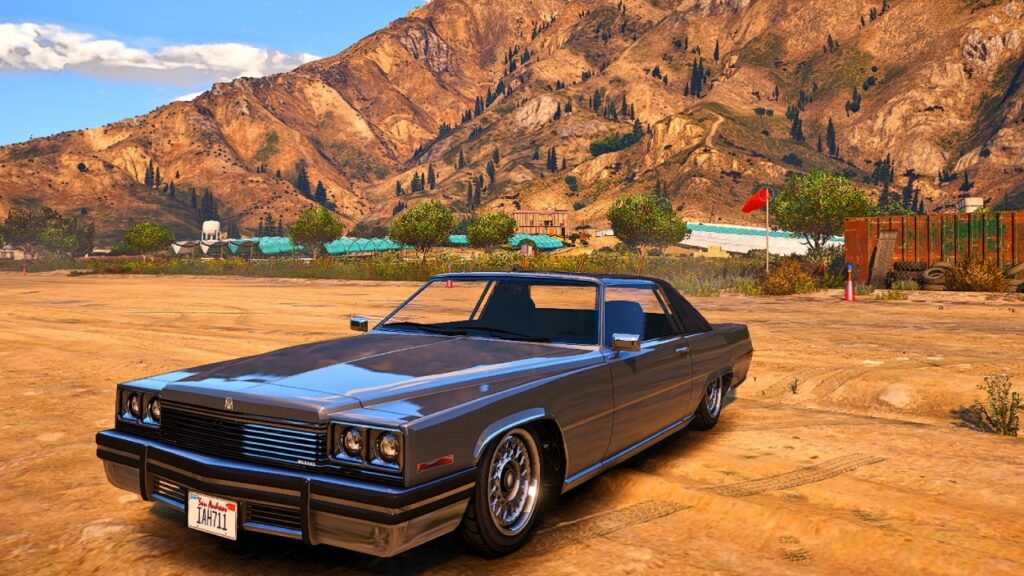
- Standard Pump: $75,000
- Chrome Pump: $125,000
- Quad Pumps (4 in a Row): $200,000
- Quad Pumps (2 by 2): $250,000
- Quad Pumps (V-Pattern): $275,000
8. Vapid Minivan Custom
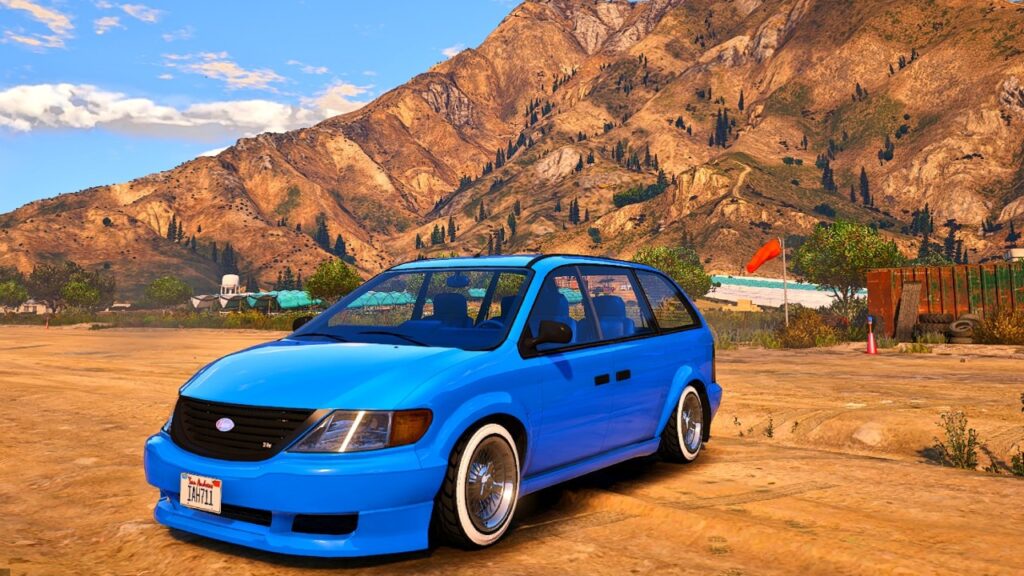
- Quad Pumps (V-Pattern): $75,000
- Quad Pumps (4 in a Row): $125,000
- Painted Install (V-Pattern): $200,000
- Painted Install (4 in a Row): $250,000
9. Declasse Moonbeam Custom
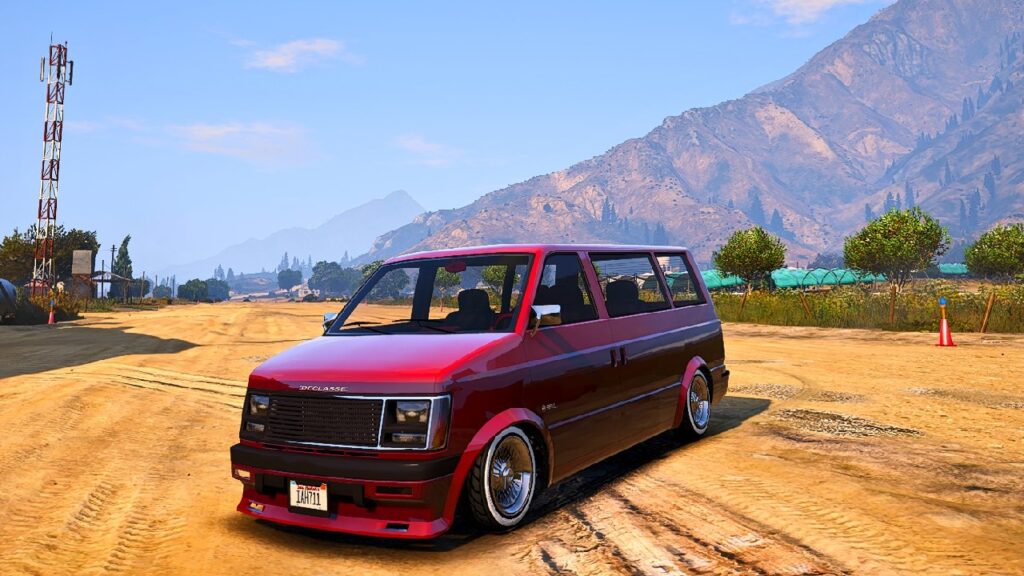
- Quad Pumps (4 in a Row): $75,000
- Chrome Twin Pumps: $125,000
- Quad Pumps (2 by 2): $200,000
- Quad Pumps (V-Pattern): $250,000
10. Vapid Peyote Custom

- Standard Pump: $75,000
- Chrome Pump: $125,000
- Quad Pumps (4 in a Row): $200,000
- Quad Pumps (2 by 2): $250,000
- Quad Pumps (V-Pattern): $275,000
11. Albany Primo Custom
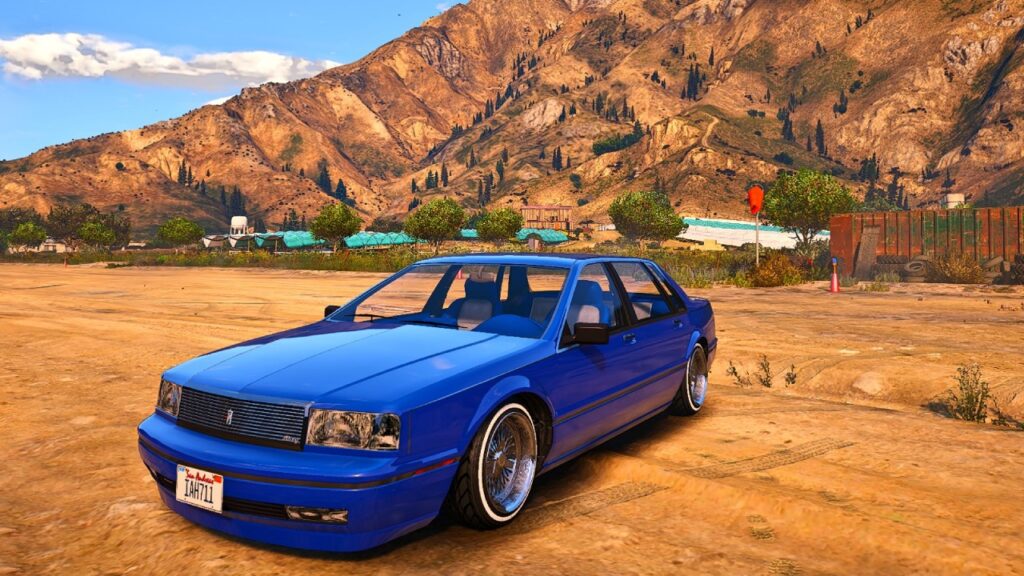
- Painted Pump: $75,000
- Chrome Twin Pumps: $125,000
- Quad Pumps (2 by 2): $200,000
- Triple Pump Stack: $250,000
12. Declasse Sabre Turbo Custom
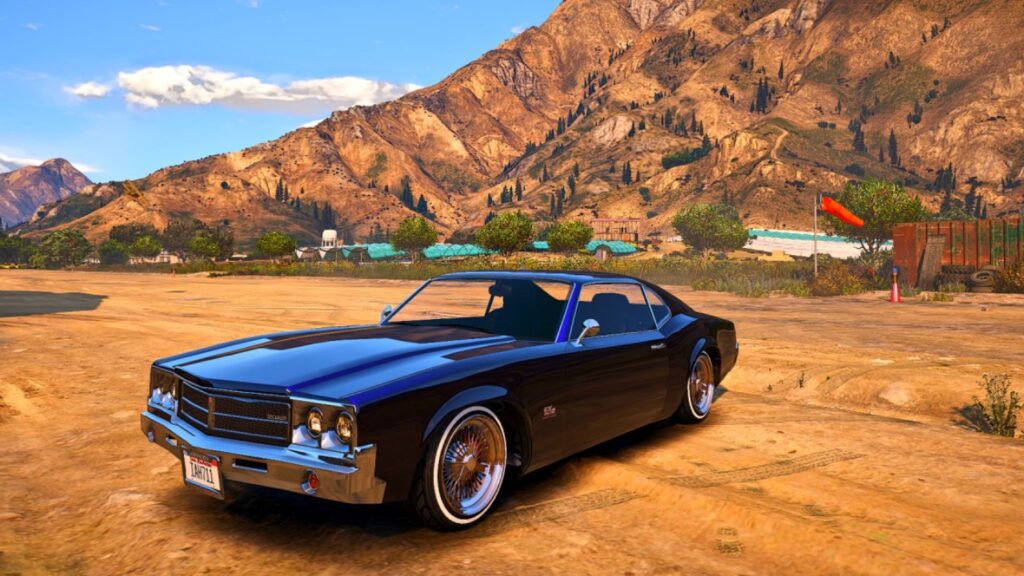
- Chrome Twin Pumps: $75,000
- Quad Pumps (4 in a Row): $125,000
- Quad Pumps (2 by 2): $200,000
- Quad Pumps (V-Pattern): $250,000
13. Vapid Slamvan Custom
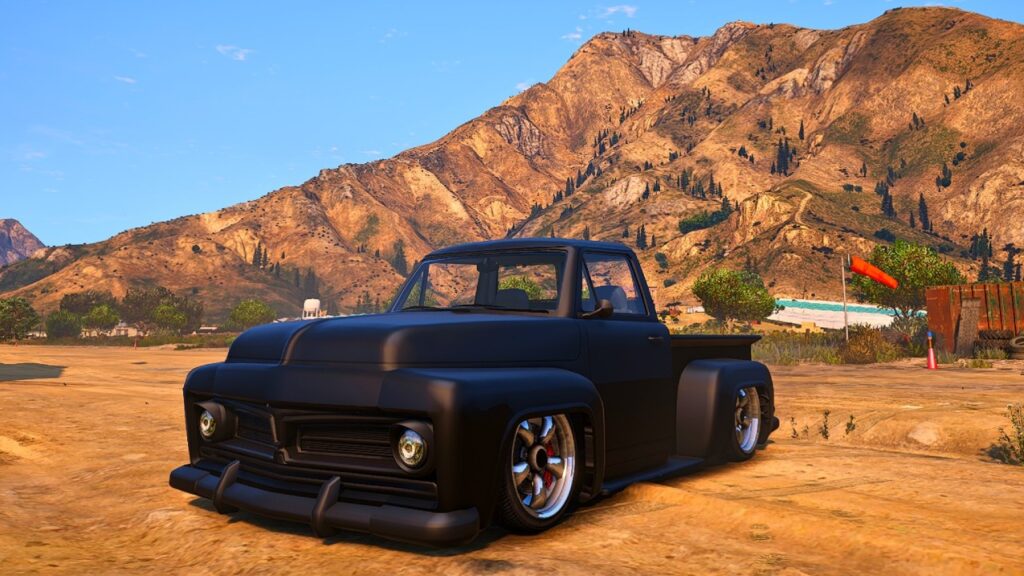
- Chrome Twin Pumps: $75,000
- Quad Pumps (4 in a Row): $125,000
- Quad Pumps (2 by 2): $200,000
- Quad Pumps (V-Pattern): $250,000
14. Vapid Slamtruck
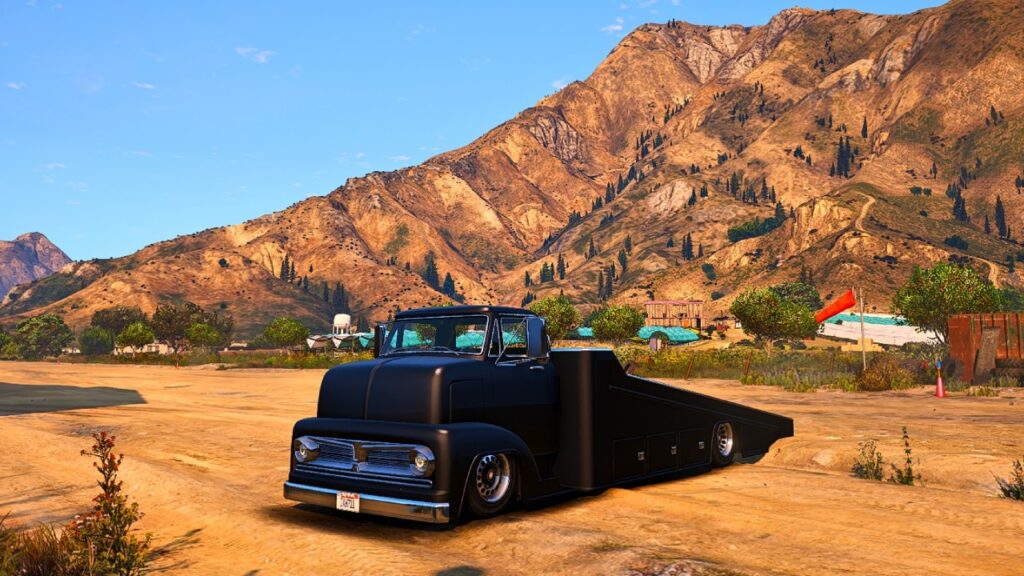
The vehicle has the hydraulics itself.
15. Declasse Tornado Custom
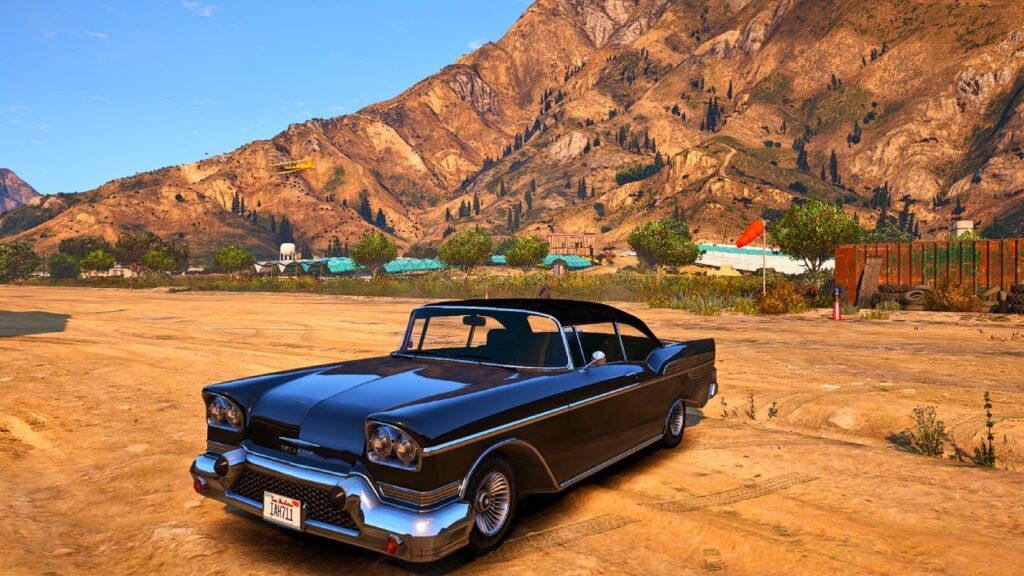
- Standard Pump: $75,000
- Chrome Pump: $125,000
- Quad Pumps (4 in a Row): $200,000
- Quad Pumps (2 by 2): $250,000
- Quad Pumps (V-Pattern): $275,000
- Quad Pumps + Panel Color: $290,000
16. Dundreary Virgo Classic Custom
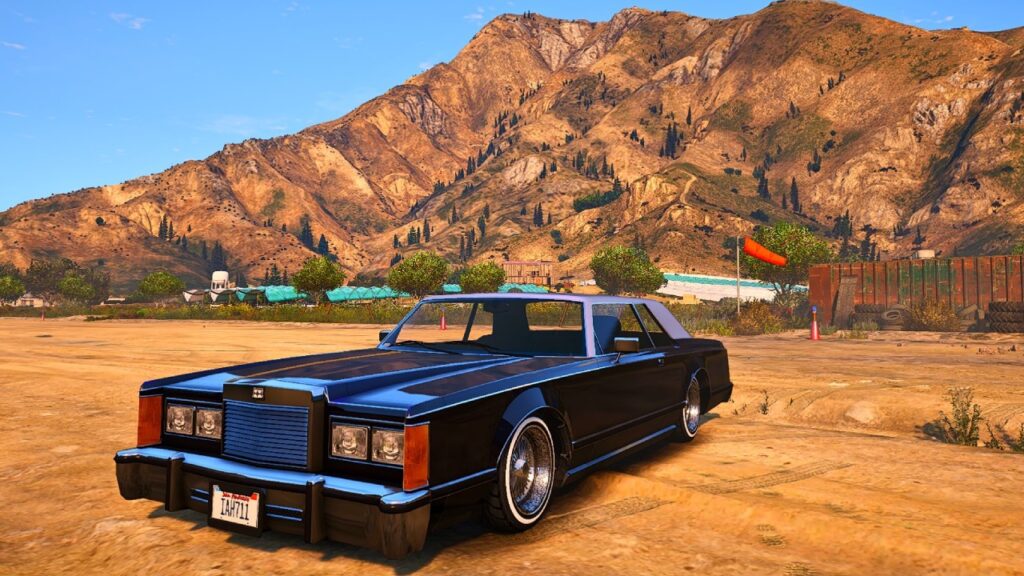
- Quad Pumps (2 by 2): $75,000
- Quad Pumps (V-Pattern): $125,000
- Chrome Twin Pumps: $200,000
- Quad Pumps (4 in a Row): $250,000
17. Declasse Voodoo Custom
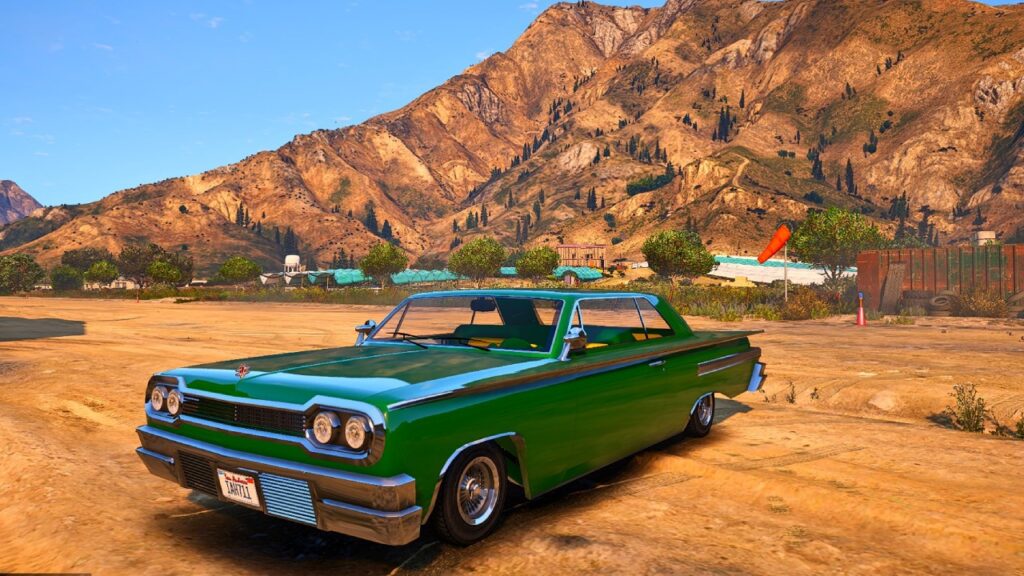
- Standard Pump: $75,000
- Chrome Pump: $125,000
- Quad Pumps (4 in a Row): $200,000
- Quad Pumps (2 by 2): $250,000
- Quad Pumps (V-Pattern): $275,000
18. Yosemite
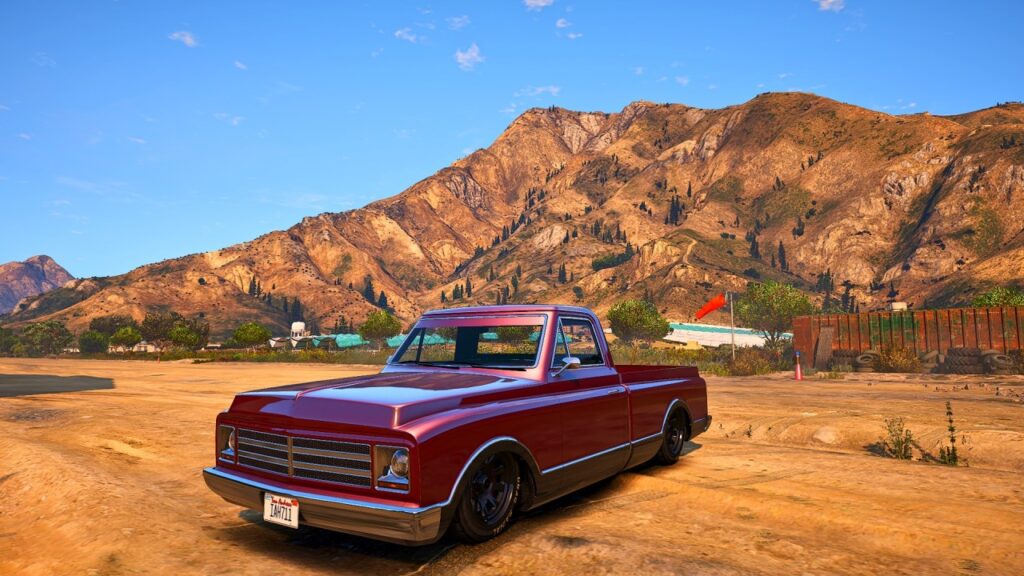
The vehicle has the hydraulics itself.
Basic Controls for Hydraulics in GTA Online
Below, you’ll find a list of the essential controls for hydraulics:
| Controls | Description |
|---|---|
| X | Bounce/Lower/Elevate |
| A | Tilt Left |
| D | Tilt Right |
| Left Shift/Numpad 8 | Front Bounce |
| Left Ctrl/Numpad 5 | Rear Bounce |
Tricks to Use for Hydraulics in GTA Online
Here are 8 tips and tricks for driving hydraulics vehicles in GTA Online:
- Hold “X” to lower hydraulics.
- Pressing the “X” key once will elevate the car to the highest suspension mode.
- To bounce with the whole car, hold and release “X.”
- While holding “X,” start pressing the “A” and “D” keys to bounce to a certain side.
- Repeatedly tapping the “X” key results in small, continuous bounces.
- Using the steering wheel joystick in tandem with the various “X” key tapping patterns results in the car bouncing about its rear axle, front axle and also about its sides.
- To make the front wheels bounce, players must press the “X” key and the “Left Shift” key or the “NumPad 8” key.
- To make the rear wheels bounce, players must press the “X” key and the “Left Ctrl” key or the “NumPad 5” key.