GTAXTREME
Want to leave your rifle behind before the next job? Stow it in your personal car. If a gun you already own is missing from the trunk, head to the locker at Ammu-Nation.
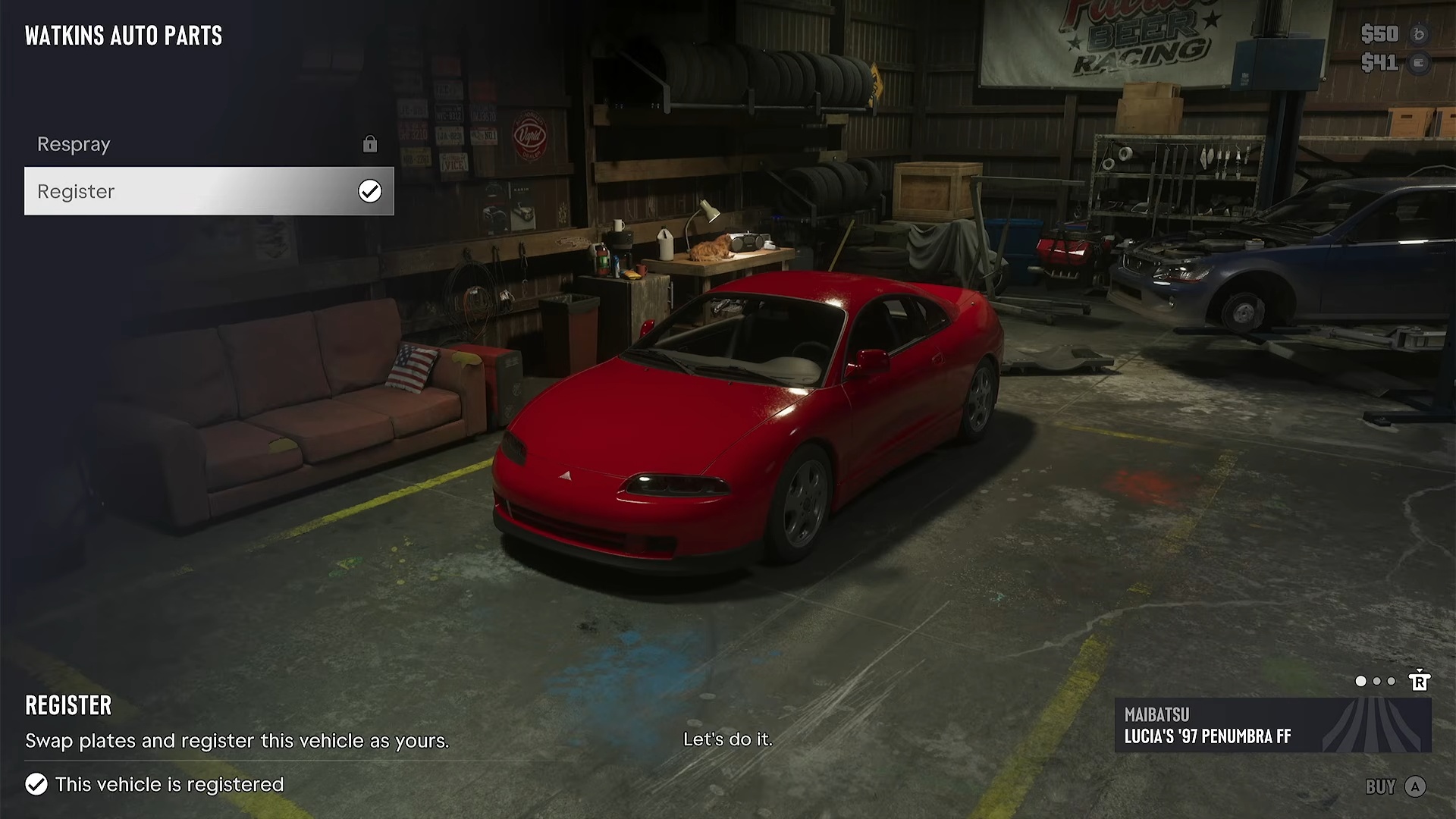
Your personal car doubles as a weapons locker in GTA 6. Walk around to the back when you want to leave a rifle there or take one out for your next job. If you’ve just grabbed a car off the street, check its registration before you count on using its trunk. The storage menu belongs to your personal vehicle.
Stow a rifle in the trunk
At the back of the car, press Triangle on PlayStation or Y on Xbox to open the trunk. Once the loadout prompt appears, use L1 on PlayStation or LB on Xbox to bring up your equipment. If you’ve remapped the controls, follow the buttons shown at the car.
Pick a slot with the right stick. Press left or right on the D-pad to cycle through the weapons there until you see the name of your rifle. To leave that long gun in the car, press Square on PlayStation or X on Xbox while you’re in the trunk menu.
Get an owned weapon back at Ammu-Nation
If you know you own a gun but can’t find it when you open the trunk, visit an Ammu-Nation store and go to the weapon locker. Open the list of guns you own, pick the one you want back and transfer it to your personal vehicle’s trunk. You can collect it there without buying the gun a second time.
Check what you’re carrying
Putting a gun away only frees up your hands. It’s still part of what you’re carrying. If you want to walk away without the rifle, stow it at the car, then reopen the trunk and check the slot for its name. That last glance also tells you where to look when you come back for it.
At the trunk and the Ammu-Nation locker
Gameplay by GosuNoob.