GTAXTREME
Stuck waiting for a story call that never rings, or a Wanted Level that just won’t go away? GTA 6’s first post-launch patch fixes exactly that, plus crashes, autosaves and frozen weather. Here’s every fix, the download size and what’s still broken.
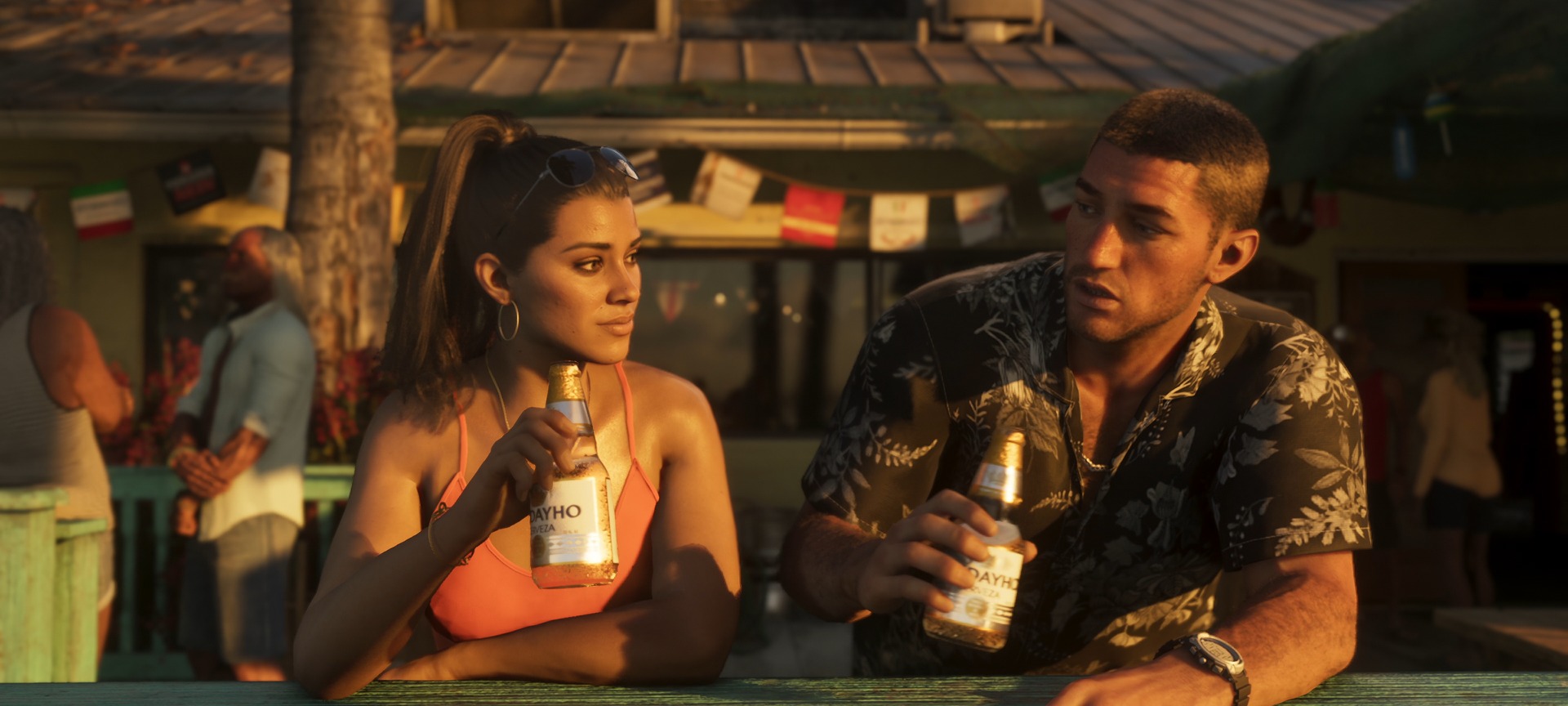
If Jason and Lucia’s phone went quiet right when the story should have moved on, you weren’t imagining it. GTA 6’s first post-launch patch, version 01.002.002 on PS5 and 1.0.2.2 on Xbox Series X|S, arrived on 23 November 2026, four days after release. It’s a pure bug-fix update: crashes, broken autosaves, story calls that never came, a Wanted Level that wouldn’t clear and weather stuck on the same sky. There’s no new content.
| PS5 | Xbox Series X|S | |
|---|---|---|
| Version | 01.002.002 | 1.0.2.2 |
| Released | 23 November 2026 | 23 November 2026 |
| Download size | about 603 MB | about 1.6 GB |
| Rollout | Three waves within about six hours | Not stated |
| New content | None | None |
The sizes come from download trackers, not from Rockstar, and can differ slightly depending on your console and installed data. Rockstar published the official notes on its support site under the launch updates for PS5 and Xbox Series X|S.
Every fix in update 01.002.002
Rockstar lists seven fixes, all under one general section. Here’s what each one means when you pick up the controller again:
| Official fix | What it means for you |
|---|---|
| Several issues that caused the game to crash | Fewer sudden returns to the console dashboard. Rockstar doesn’t say which crashes were fixed. |
| Weather not changing for extended periods | Rain, storms and clear skies cycle normally again instead of sticking for hours. |
| Game not autosaving correctly | Autosaves are written properly again, so a crash costs you less progress. |
| Phone calls not triggering, including story calls | Calls that move the story on or unlock missions should arrive again. |
| Unable to lose the Wanted Level | Breaking line of sight and hiding should clear your stars again. |
| Unable to use the deadlift bar in the Gym | The deadlift works again, so you can finish your gym workout. |
| Partners not handing over bags | Your partner gives you the bag, so you can sell it to a fence. |
The phone call fix is the big one. A missing call could leave the next story mission locked with no hint why. If your stars kept sticking, our guide to police escape routes explains how losing the heat normally works. The deadlift belongs to the gym in Chapter 2, and the bag fix matters after jobs like the robberies, where your partner carries the loot.
How to make sure you have the update
The patch installs over your existing game, so you don’t need to reinstall anything. On PS5 it rolled out in three waves: about a third of players got it straight away, two thirds after roughly three hours and everyone after about six. If it still hasn’t shown up, check manually.
On PS5:
- Close the game completely if it’s running.
- Highlight GTA VI on the home screen and press the Options button.
- Choose Check for Update and let the download finish.
- Check the version under Information in the same menu. It should read 01.002.002.
On Xbox Series X|S:
- Quit the game instead of leaving it in Quick Resume.
- Open My games & apps and go to Manage, then Updates.
- Install the GTA VI update if it’s listed there.
- Turn on automatic updates so the next patch downloads in the background.
Known issues the patch doesn’t fix
Rockstar hasn’t published a list of known issues for GTA 6. These problems are widely reported but aren’t mentioned in the notes, so treat them as still open:
- Xbox frame-rate glitch: Players report that resuming the game through Quick Resume can unlock the frame rate, which speeds gameplay up until it’s unplayable while cutscenes run normally. Fully closing and restarting the game is the safe choice.
- First-person camera: A camera exploit that lets you view parts of the world in first person still circulates. First person isn’t an official mode.
- Money glitch: According to player reports, the money glitch still works after the update.
- Other crashes: Rockstar fixed several crashes but didn’t name them, so not every crash you’ve seen is necessarily gone.
What’s not in the patch
- No new content: No missions, vehicles, weapons or activities were added.
- No Online: GTA 6 Online isn’t part of the update. Our article on the GTA 6 Online release collects what’s known.
- No PC version: The patch is for PS5 and Xbox Series X|S only, because GTA 6 isn’t out on PC.
- No changes to gameplay systems: Rockstar lists no balance changes, for example to the Criminal Profile.
Before launch, two smaller patches arrived for preloaded copies: 01.002.000 on 13 November and 01.002.001 on 16 November. Rockstar published no notes for either, so 01.002.002 is the first update with an official changelog. As of 24 November 2026 there’s no newer patch.
What to do after updating
Stuck story? If you were waiting for a call before the patch, install the update first and only then load your save. Rockstar doesn’t say which missions were affected, so if the call still doesn’t come, load an earlier save from before the point where the story stalled.
- Make a manual save: Because autosaves weren’t reliable before the patch, save manually once after updating so you have a clean backup.
- Check your bags: If a partner kept a bag after a job, see whether you can now take it to a fence.
- Revisit the gym: If the deadlift wouldn’t work, try the workout again.
- Keep a second slot: Until more patches arrive, a spare save slot protects you from another crash or stuck mission.